Resources:
Download posters here–

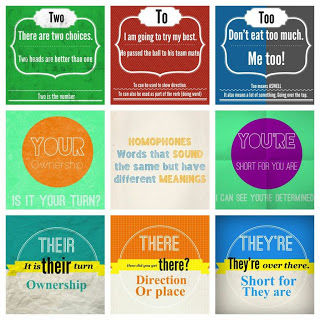
- Print and place around school?
- Print into student planners?
- Get your students to make their own? Download the app= Phoster/Diptic
These were created by www.twitter.com/teachertrying
Resources:
Download posters here–
These were created by www.twitter.com/teachertrying
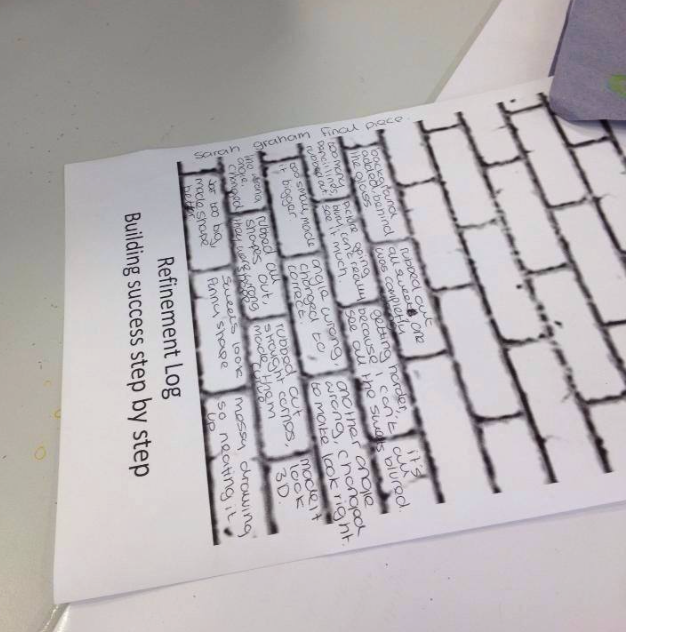
Resources:A brick wall template- download from here. Using this tomorrow – thanks @jobaker9 and @pekabelo – love it! Xx pic.twitter.com/zdTDiIX9ZI — Art Teacher (@LeedsArtTeacher) October 7, 2014 What to do:Use

Whilst watching a film or video clip students are designated specific roles to watch the video from that person(s)/group(s) point of view or perception. Resources:A DVD/Youtube clip etc. How It Works:For
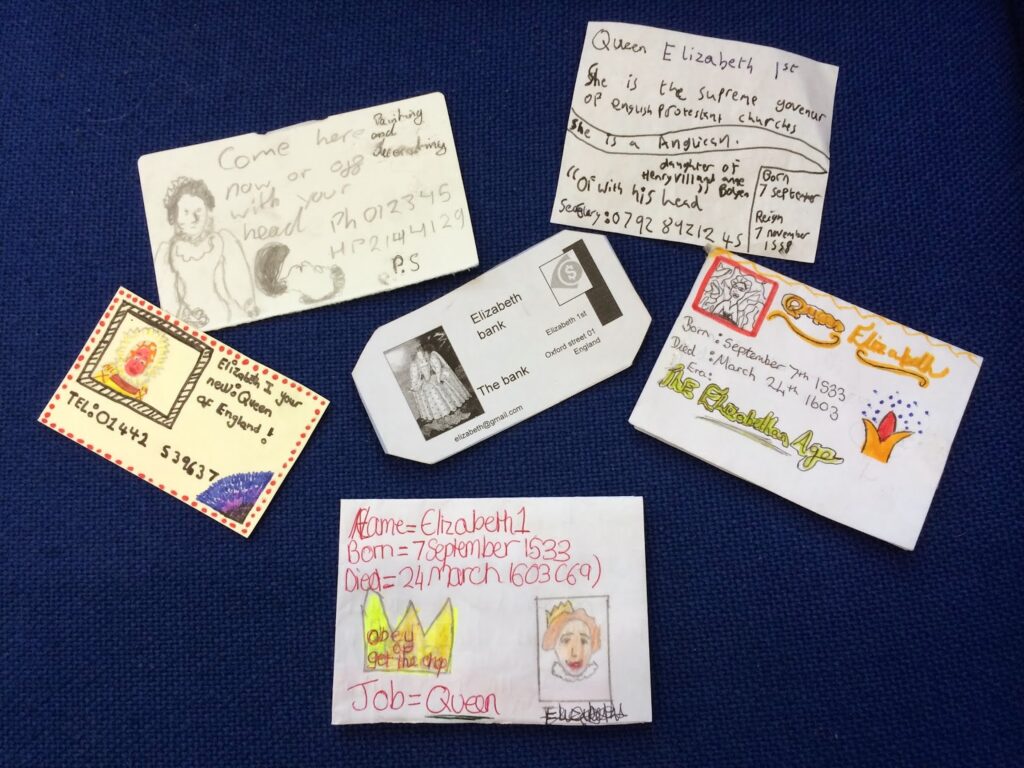
Resources:Mini business card templates/cut outsWhat to do: The task is to design a business card for a famous? person. The business card can contain a number of features, such as

