
Resources:
Once display is created-NOTHING!


Once display is created-NOTHING!

 |
| Idea used by @Kohlmand |
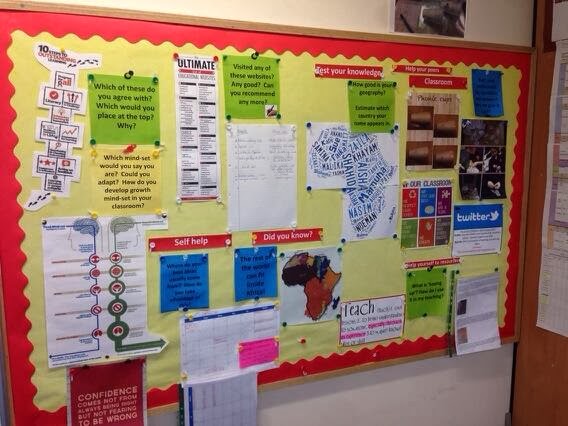 |
| Idea used by @8colemanm8 |
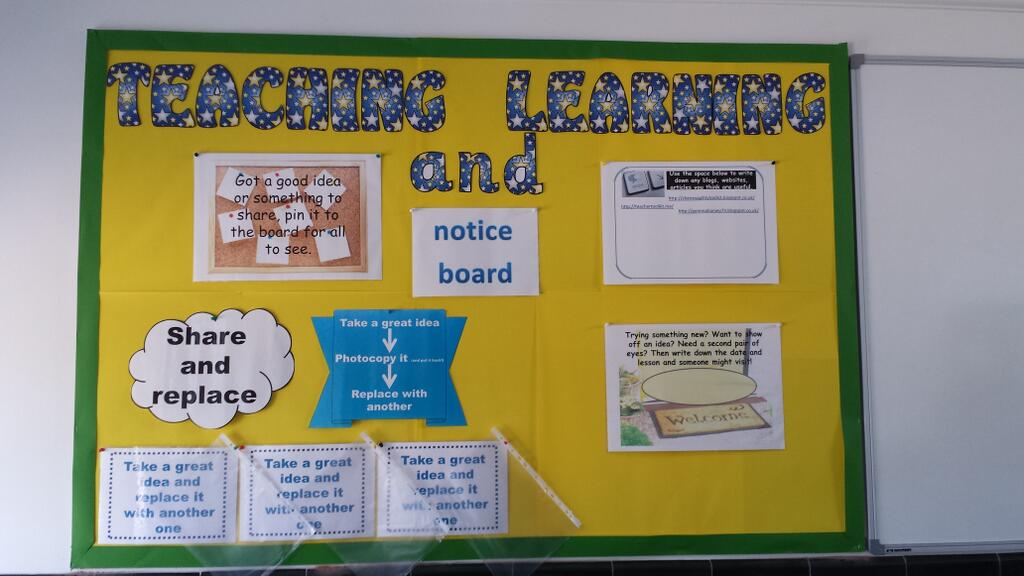
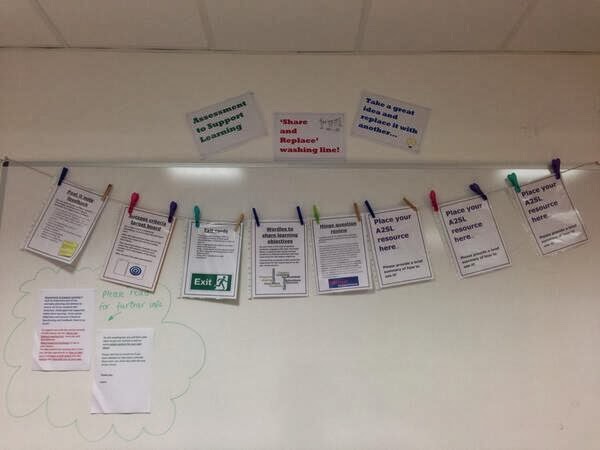 |
| Idea used by https://twitter.com/smithy1210 |
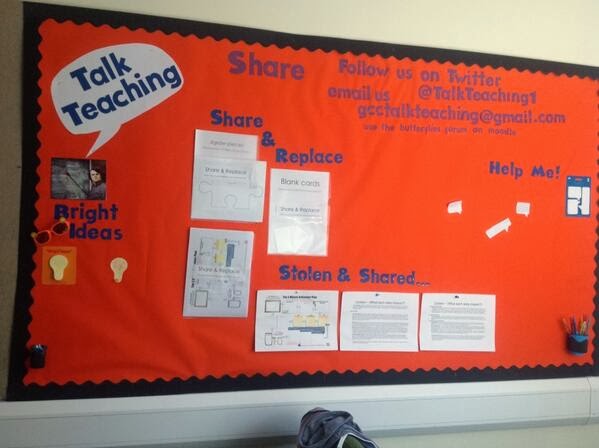 |
| Idea used by https://twitter.com/TalkTeaching1 |
 |
Image by @behaviourTeach using my idea. 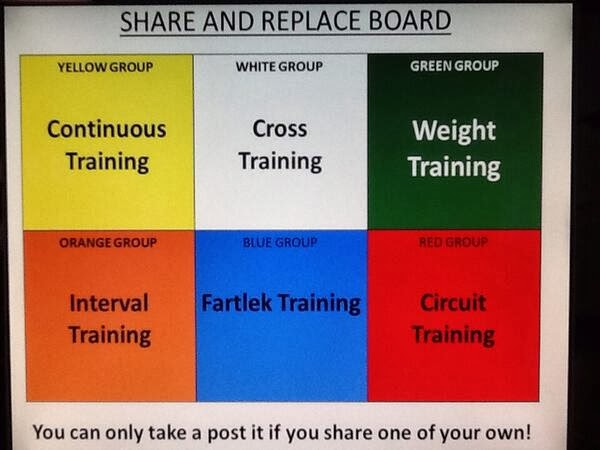 Idea adapted by @Tombrush1982! |
How It Works:
Create a display- preferably by your staff photocopier?
Have some plastic folders with a poster in stating-
‘PLACE YOUR RESOURCE HERE’
Next to those plastic folders- another poster stating-
‘PHOTOCOPY THE RESOURCE YOU WANT- REPLACE IT WITH ANOTHER?’
Idea is that staff take a resource sheet that has been left there and simply replace it with another?
It really does work!
Try it?
Variations:
Use it in your dept?
Use it for revision?
Use it as an activity?
[learn_press_profile]


