Resources:
Online QR hunt creator- http://www.classtools.net/QR/
How It Works:
Teacher uses website to create a QR (quick response) quiz scavenger hunt- the above online tool creates the QR codes and makes them printable. (Follow instructions on website!)
 The QR codes can be read using a simple free downloaded app from both Android, Blackberry, windows and Apple phones. Simply search QR Reader in the APP store- It is FREE.
These QR codes created will scan without an internet connection- which is excellent!
Variations:
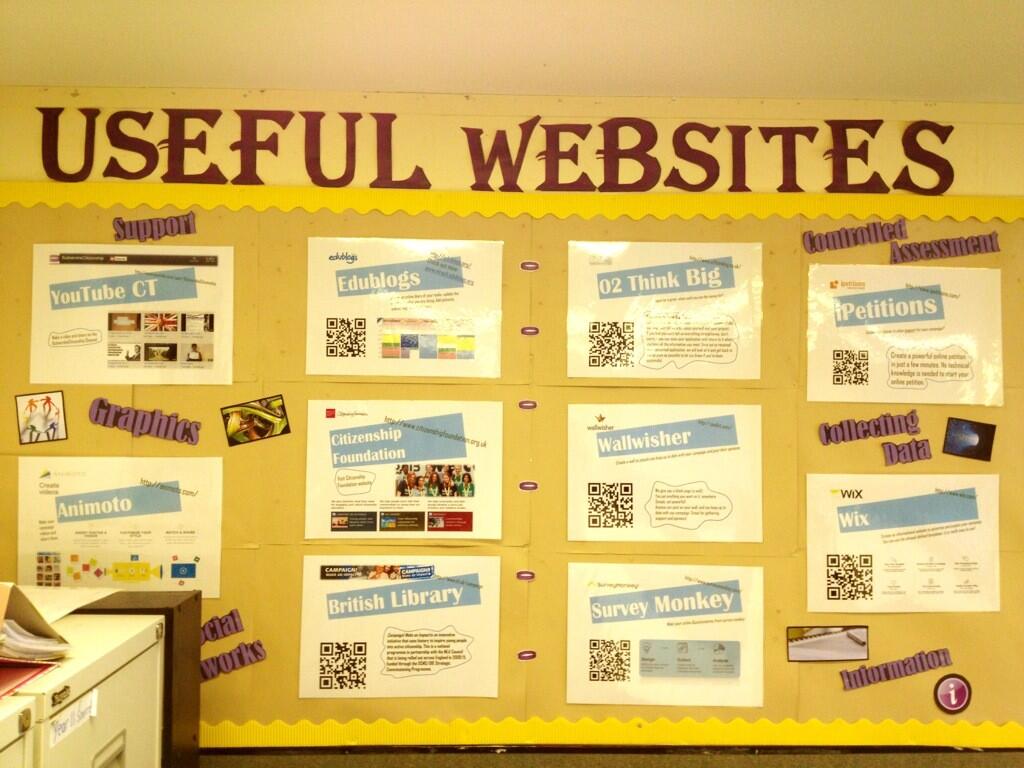
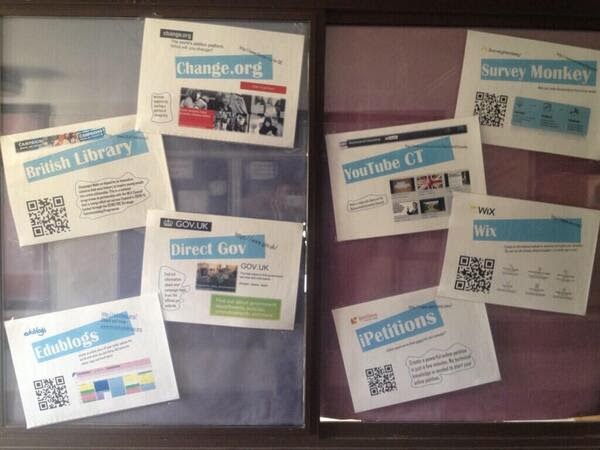
QR codes can be linked to websites? Blog Posts? Online articles- a quick and easy way to reference a website.
Use them in your displays?
The QR codes can be read using a simple free downloaded app from both Android, Blackberry, windows and Apple phones. Simply search QR Reader in the APP store- It is FREE.
These QR codes created will scan without an internet connection- which is excellent!
Variations:
QR codes can be linked to websites? Blog Posts? Online articles- a quick and easy way to reference a website.
Use them in your displays?
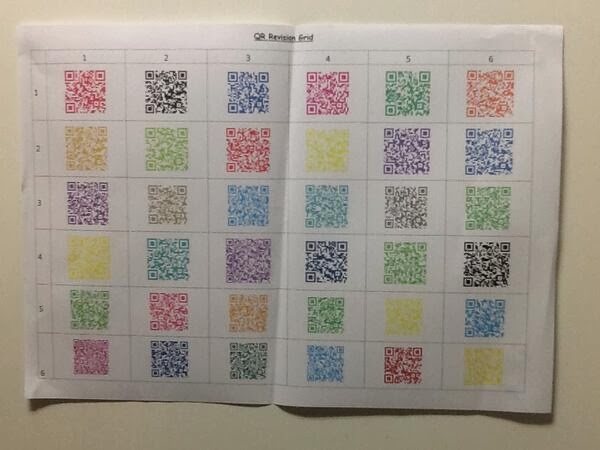
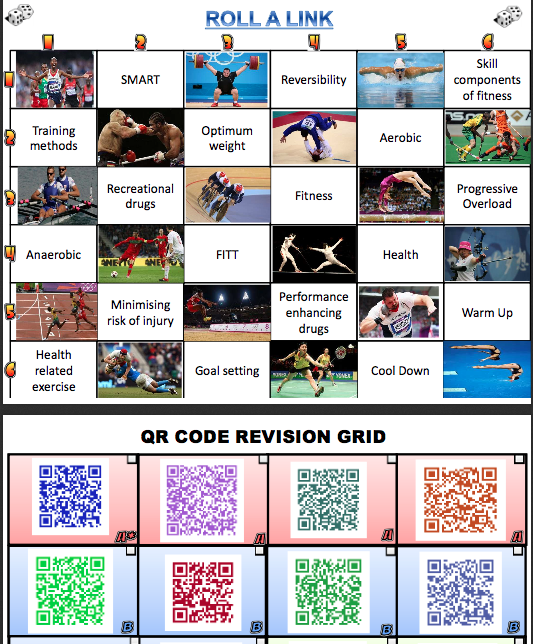
- You can then place these around the room. (Can differentiate the questions by printing them on different coloured paper? Placing stickers in the corner matching to the level of the student?)
- You can make it a team/individual/paired challenge. (Answer a recap question to run and scan a QR code?)
- Students scan the code and answer the question that is bought up! Simple! Write the answer on the half whiteboard desk! See here😉
 |
| Made by www.twitter.com/tombrush1982 |

*UPDATED*
//platform.twitter.com/widgets.jsMy version of the #Psychology #QRcode digital library has gone down well with the students. Extra reading, MCQ’s, @YouTube clips etc… pic.twitter.com/wABoQEw4r5
— Sammi (@mindfulmiss1) October 25, 2017
[learn_press_profile]


